Every week your analytics log what's working and what isn't. Most businesses never check.
This is the system for listening to it.
The Decision Loop is a weekly analytics practice that turns your metrics into one clear action every Monday morning. Fifteen minutes. One decision. Fifty-two data-driven improvements a year, each one building on the last.
The pattern
You have data. It is not reliably producing decisions.
Most business owners who have analytics aren't lacking data. They have GA4 open in a tab, a Shopify dashboard, email stats, ad platform reports, maybe a spreadsheet someone built eighteen months ago. The tools are there. The numbers update on their own. And somehow, none of it reliably produces a decision.
What happens instead is a familiar pattern. You log in, scan a few numbers, notice something that might be interesting, and move on to the next thing. You make a change when something feels off, but you're not entirely sure it worked. Over time the dashboard becomes something you check out of obligation rather than something that tells you what to do.
This pattern shows up in businesses run by people who are genuinely sophisticated about analytics and in businesses run by people who have never thought much about metrics at all. The missing piece in both cases is the same: a repeatable weekly structure for connecting what the numbers show to a specific decision that actually gets made.
The books
The fastest way to go from data you ignore to data you act on.
New to analytics
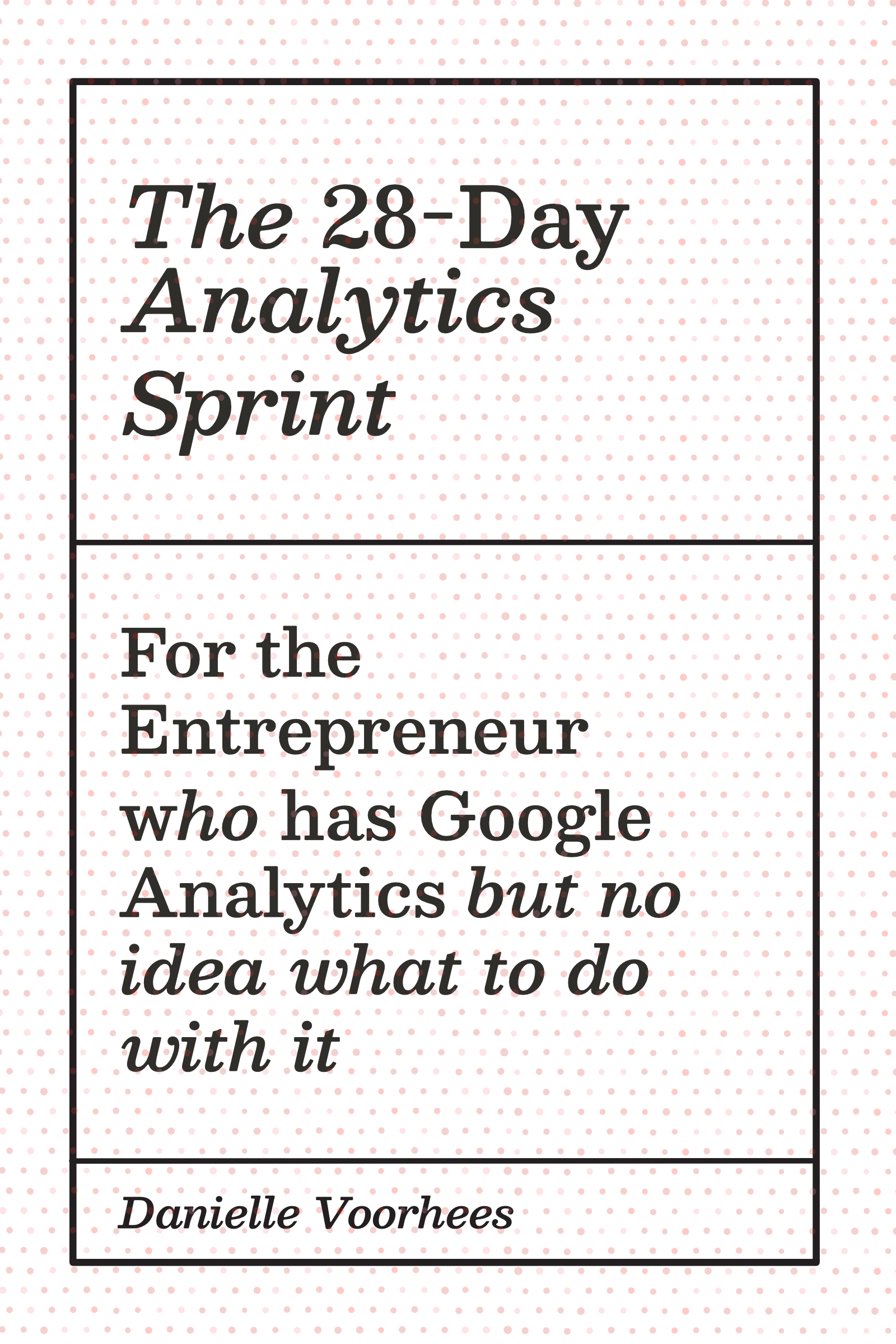
The 28-Day Analytics Sprint
One lesson per day. By Day 28 you know your conversion rate, your constraint, and exactly what to fix next. Available as an ebook.
Get the Sprint →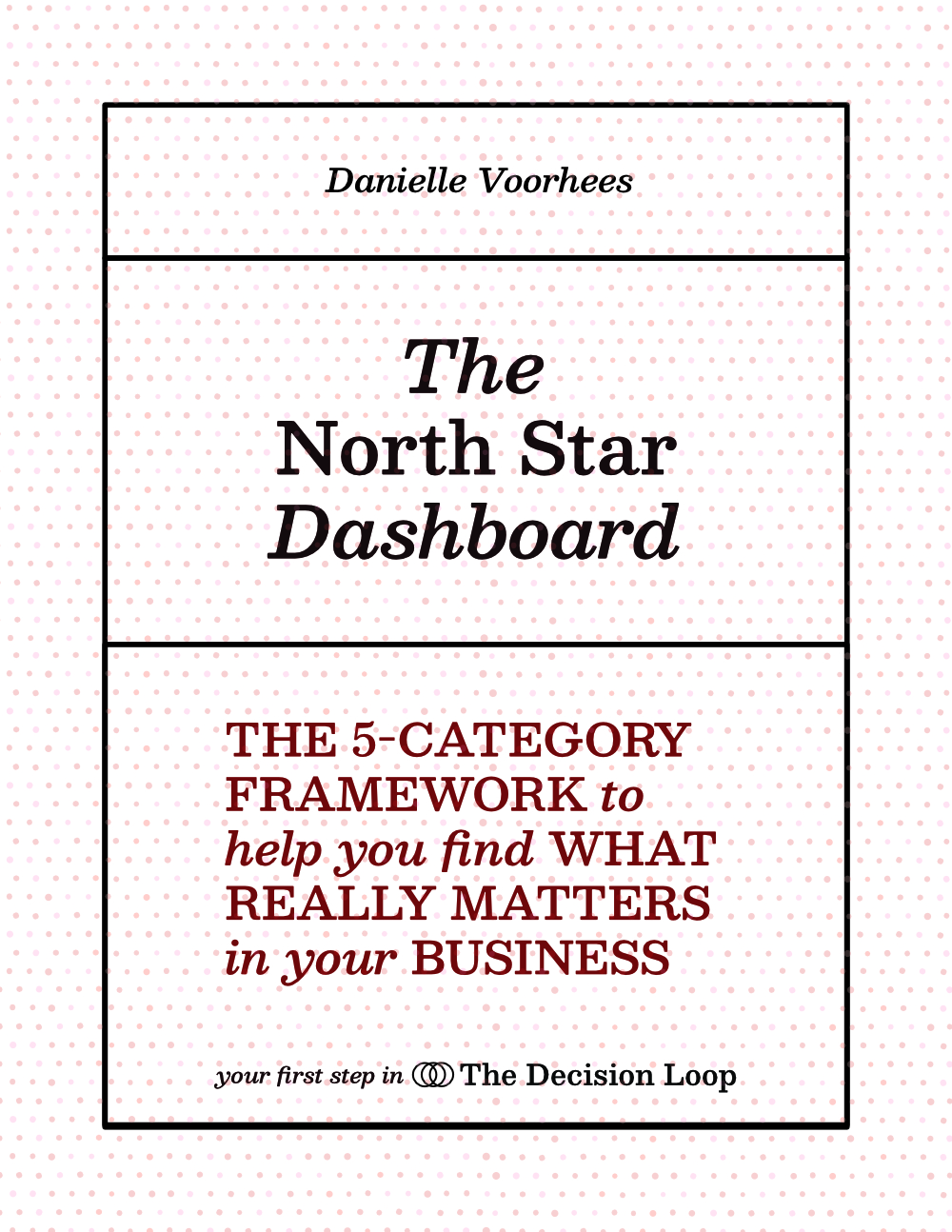
Ready to build a system
The North Star Dashboard Guide
110 pages. Identify the one metric that concentrates every decision in your business, plus five supporting categories. Covers 25 business types.
Get the Guide →Not sure which book is right for you? The Sprint is for people new to reading their analytics. The North Star Dashboard Guide is for people who can read their data but need a system for acting on it. Not sure? Find your starting point →
Find your entry point
The Sprint and the Dashboard Guide are where most people begin. Here's how to know which one is right for you.
"My analytics aren't set up yet."
Before you can read your data or act on it, it has to be recording. This free guide walks you through installing GA4 and Google Tag Manager on any platform — WordPress, Shopify, Squarespace, Wix, Webflow, or a custom site — and verifying it's working correctly.
"I have analytics but I have no idea what any of it means."
You have Google Analytics, maybe a Shopify dashboard, numbers that update themselves. You're not sure which ones matter, what they're telling you, or what you're supposed to do when you look at them. Start here.
"I look at my analytics regularly but I can't get them to tell me what to do."
You can read a dashboard. You check your numbers. The problem is that noticing something moved and knowing what to do about it are two different skills, and the connection between them isn't reliable yet. Start here.
How it works
15 minutes every Monday. One decision. Then you close the laptop.
The Decision Loop runs on a single organizing question: what changed this week, and what should I do about it? It works in four steps, in sequence, every Monday morning.
What changed?
Look at your key metrics. You're not analyzing everything. You're spotting what moved since last week.
Why did it happen?
Pick the most significant change and follow it one level deeper. Find the one insight that matters.
What is the one thing to do?
Translate the insight into a single clear action with a measurable outcome. One thing, not a list.
Execute and measure.
Run the action. Next Monday, the result shows up in your Scan. The loop closes. The next one opens.
Fifty-two loops in a year means fifty-two data-driven improvements, each one building on the last. The businesses that run this system consistently don't win because they had better data than anyone else. They win because they built the habit of acting on it.
From the blog
Analytics guidance for web-based businesses.
Foundation posts on reading and using your data, plus specific metric guidance for 25 web-based business models.
The foundation of the loop
Every Decision Loop runs on a North Star Dashboard.
The dashboard is not a collection of all available metrics. It is a deliberate set of six to eight numbers, selected to answer one question clearly: is this business moving in the right direction, and where should I look next?
At the center is a single North Star metric. For an e-commerce brand it might be revenue per session. For a SaaS product it might be weekly active users. For a coaching business it might be discovery calls booked. What it always does is the same: it concentrates attention. When your North Star is healthy, you optimize. When it moves unexpectedly, you investigate.
Supporting it are five categories of metrics — one for each dimension of business health: volume, quality, conversion, value, and efficiency. Together they create a map. A drop in conversion rate means something different depending on whether volume held steady or fell at the same time. The dashboard shows those relationships at a glance, which is what makes the Monday scan possible in fifteen minutes rather than two hours.
What changes when the loop runs
- Metrics get checked but don't produce decisions
- Changes get made without knowing if they worked
- Monday morning feels like guessing, not steering
- Growth comes from big bets rather than compounding improvement
- The dashboard feels like an obligation, not an asset
- An e-commerce brand grew from $2M to $3.2M through 52 compounding weekly improvements
- A B2B SaaS company cut customer acquisition cost by 40% after the loop surfaced a 4x channel performance gap
- A content business reached $40K per month by running a single North Star metric for one year without interruption
- Every Monday produces one clear action with a measurable outcome
- Decisions accumulate. The advantage compounds.
The work behind the system
Built on nearly 15 years of seeing the same problem.
I'm Danielle Voorhees — a growth engineer who has built revenue dashboards and analytics systems for e-commerce brands, SaaS products, coaching businesses, and content companies for nearly 15 years.
The Decision Loop came directly from that work. Across hundreds of engagements, the pattern that determined outcomes wasn't the quality of the data or the sophistication of the tools. It was whether the business had a consistent weekly structure for turning what the data showed into something that actually got done. The businesses that had that structure improved steadily. The ones that didn't stayed stuck in the same cycle of checking dashboards and not knowing what to do next.
The Decision Loop is the system I kept rebuilding from scratch for every client, formalized into something you can implement yourself.
See how we can work togetherThe blog
Your business type has its own right metrics.
The Decision Loop methodology covers 25 web-based business models. Find yours and see exactly which metrics matter for how your business creates value.
Work with Danielle
There are many ways we can work together.
Once you have the foundation in place, there are options for going deeper — from a focused one-hour session on your specific analytics setup, to a done-for-you dashboard build, to a full eight-week implementation. The right starting point depends on where you are and how much you want to do yourself.
See all the options →